Quickstart: pick up, craft and wear
Fifteen minutes from an installed plugin to a character who picks up wheat, makes a straw hat of it and wears it. You add four components to the character and one item to the level, then play. No Blueprint graph is needed.
The steps use the Third Person template’s level and character, with the plugin enabled (Install). Any character of yours works the same.
1. Give the character a bag and a hotbar
- Open
BP_ThirdPersonCharacter(in Content > ThirdPerson > Blueprints). - In its Components panel, click Add and search
Inv Container. Add one: this is the bag. Its Container Tag is alreadyInv.Container.Bag, with 7 columns and 6 rows of slots. -
Add a second Inv Container, for the hotbar, and in its Details set:
Field Value Container Tag Inv.Container.HotbarColumns 10Rows 1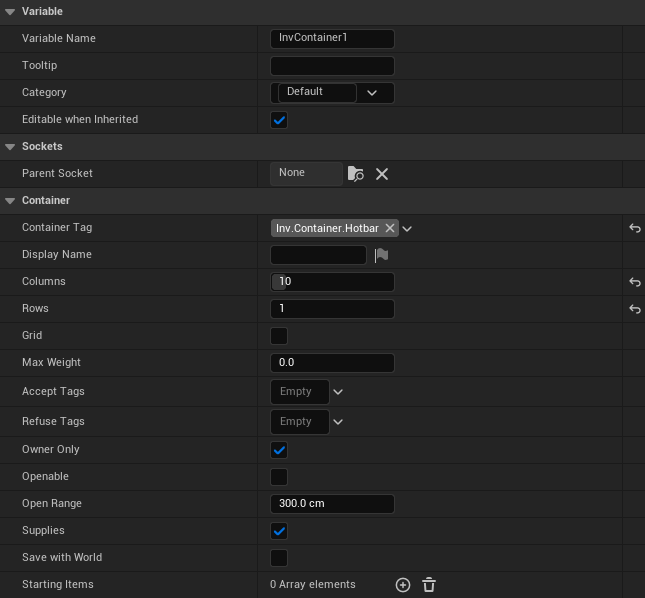
The hotbar: one row of ten slots, picked with 1 to 0.
The tag is what makes a container the bag or the hotbar to the screen. Every other field can stay as it comes.
2. Let them wear and craft
- Click Add again and add an Inv Equipment. It comes with eight slots, from Head to Belt, most on a socket of the UE5 mannequin’s skeleton, and puts what’s worn on the character’s mesh.
-
Add an Inv Crafter. In its Details, click + beside Recipes and pick
RC_StrawHat: six Wheat make a Straw Hat, anywhere, with no station.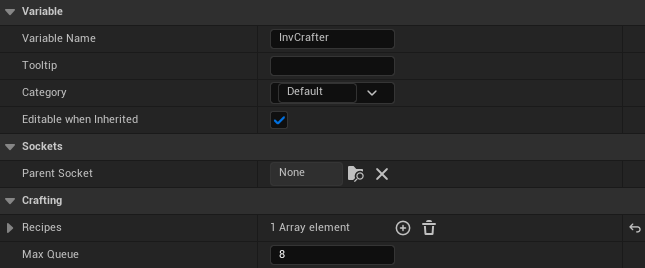
The crafter knows one recipe. -
Compile and Save. The character now has four new components:
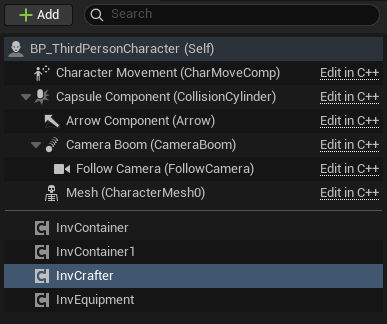
The bag, the hotbar, the equipment and the crafter.
RC_StrawHat is one of the plugin’s example recipes, in Plugins > Inventory, Equipment & Crafting
System > Examples > Recipes; if the picker doesn’t list it, show plugin content.
3. Put wheat in the level
-
Open Window > Place Actors, search
Inv Pickup, and drag an Inv Pickup onto the floor ahead of the player start.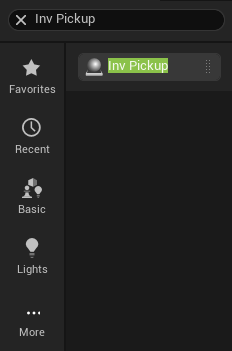
Inv Pickup in Place Actors. -
In its Details, open Stack and set Item to
DA_Wheatand Count to6. It lies there as a sack, the look of an item with no World Mesh of its own.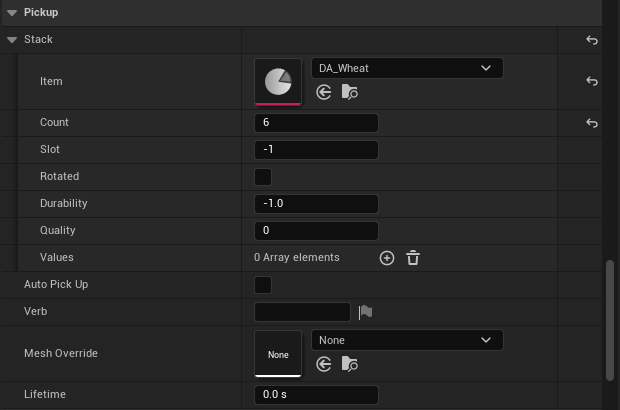
Six wheat, lying on the floor. -
Save the level (Ctrl+S).
4. Play
Press Play.
-
Walk up to the wheat. A glint sparkles over it and the prompt says Pick up Wheat ×6. Press E: the wheat goes into the bag, and +6 shows at the side of the screen.
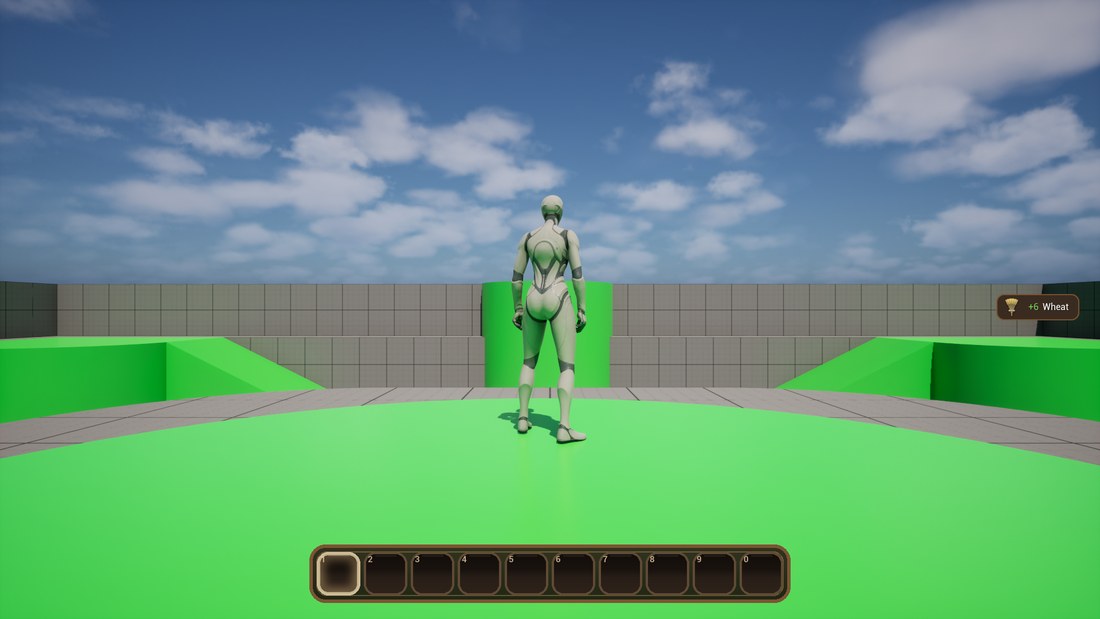
Picked up. - Press I. The inventory opens: the bag with the wheat in it, and the equipment panel with your character in the middle.
-
Click the Crafting tab, pick Straw Hat and click Craft. The six wheat become a straw hat in the bag.
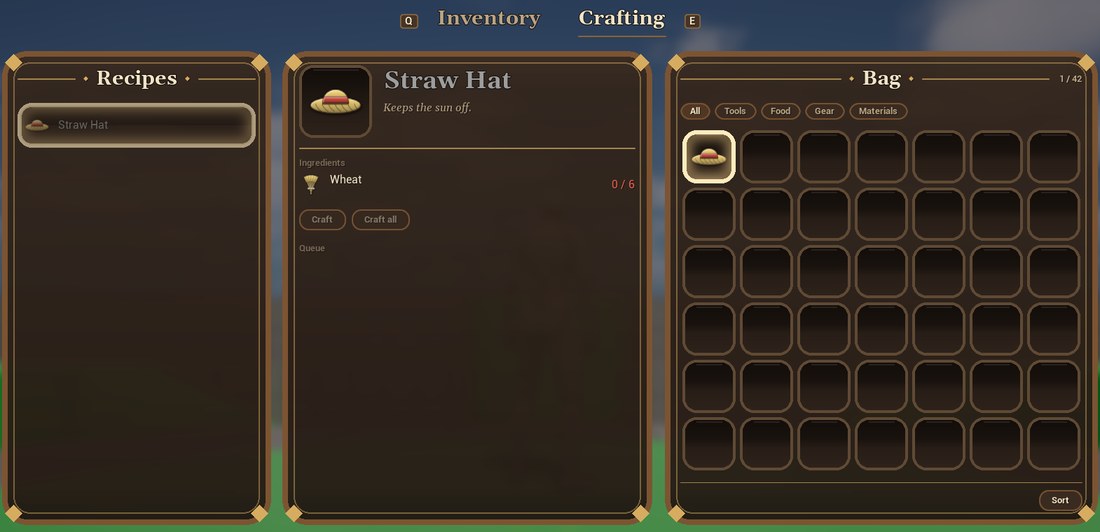
The crafting page, the hat just made. -
Click the Inventory tab and right-click the hat. It goes into the Head slot, and onto your character’s head in the preview and in the game.
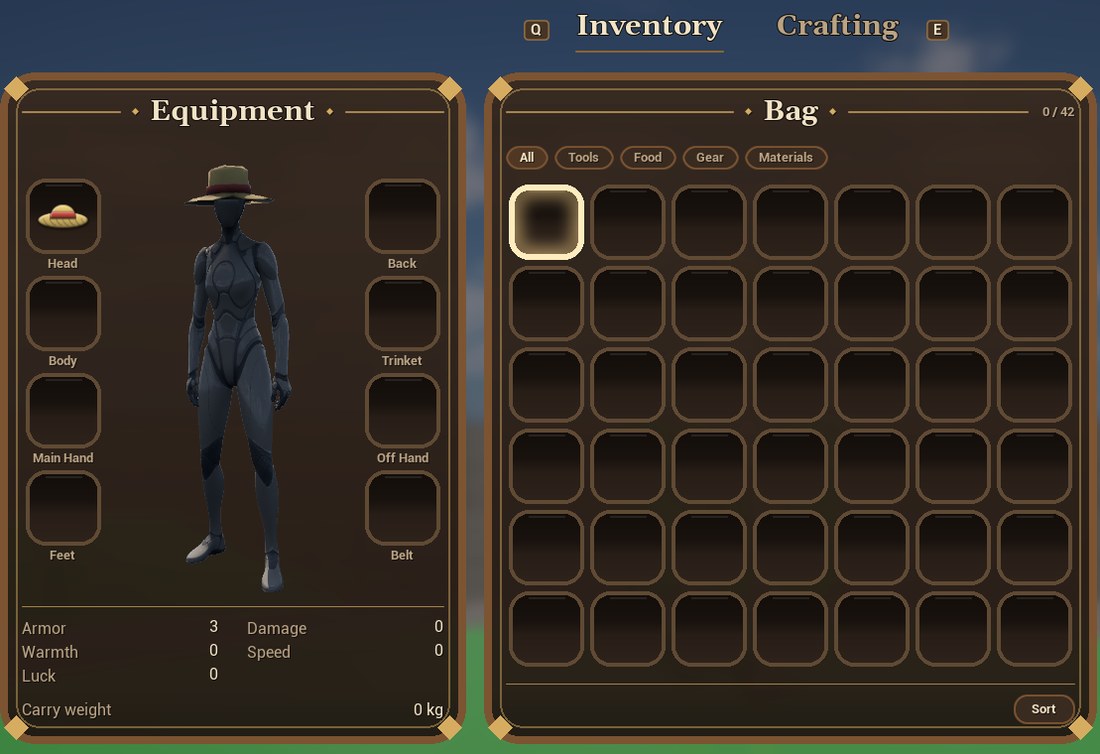
Worn: the hat in the Head slot, its armour counted. -
Press I again to close it.
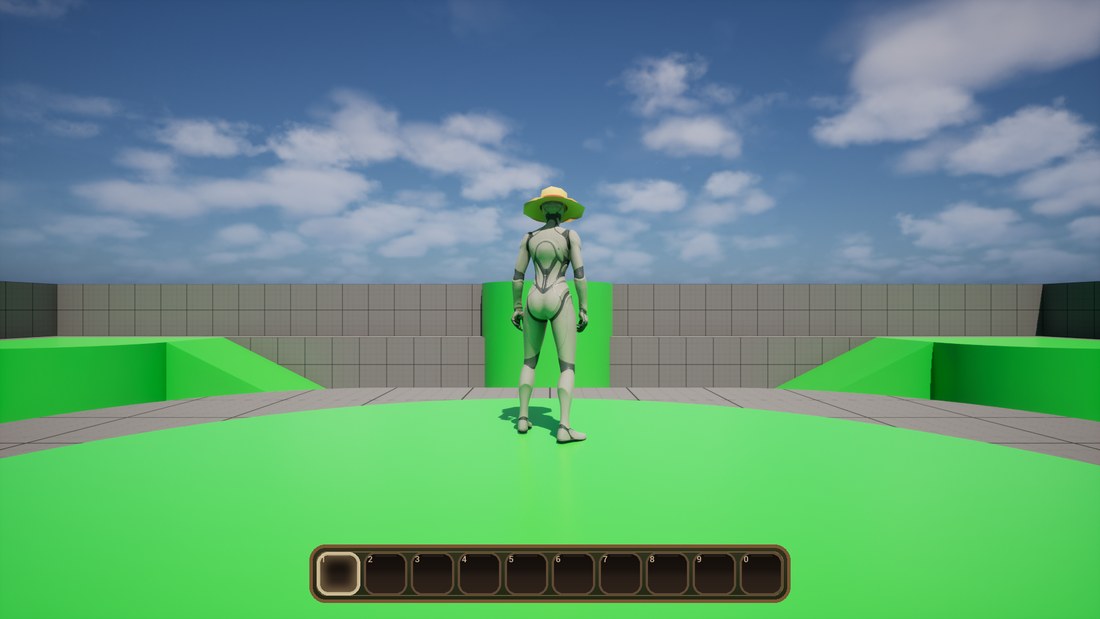
In the game, for every player to see.
On a gamepad, View opens the inventory, X picks up, and on the screen A picks a stack up and puts it down, X uses or wears it, and the shoulders change tab.
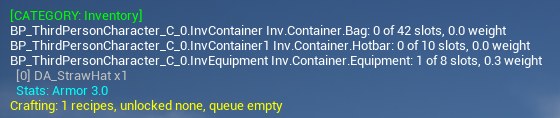
Inventory.Dump in the console (`) writes the containers and what’s worn to the
Output Log. For the Gameplay Debugger, press ' (apostrophe): its Inventory
category shows the same, live.
If something doesn’t happen as written, Troubleshooting has the usual causes.
Next
- Make an item of your own.
- Craft at a workbench.
- Concepts: items, containers, the player component and the server.