Farming & Fishing System
Farming, fishing and the calendar that drives both, for Unreal Engine 5.6 to 5.8, as one C++ plugin with all of it usable from Blueprint. Crops grow on any ground you mark as a field, fish bite by season, hour and weather, and everything works in multiplayer and saves into your own save game.
Try it first: the playable Windows demo is free, about 300 MB; unzip it and run the exe.
What it does
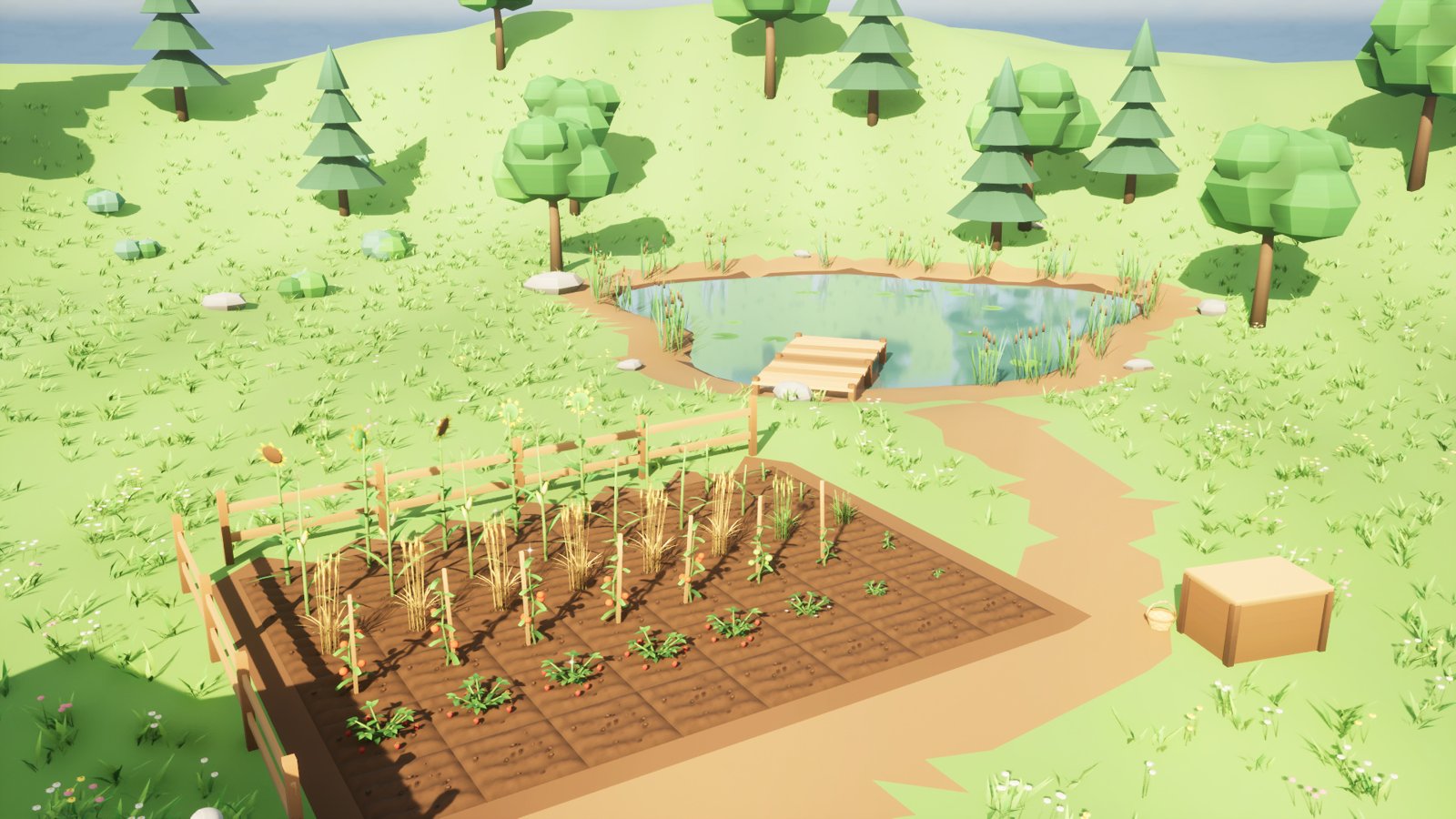
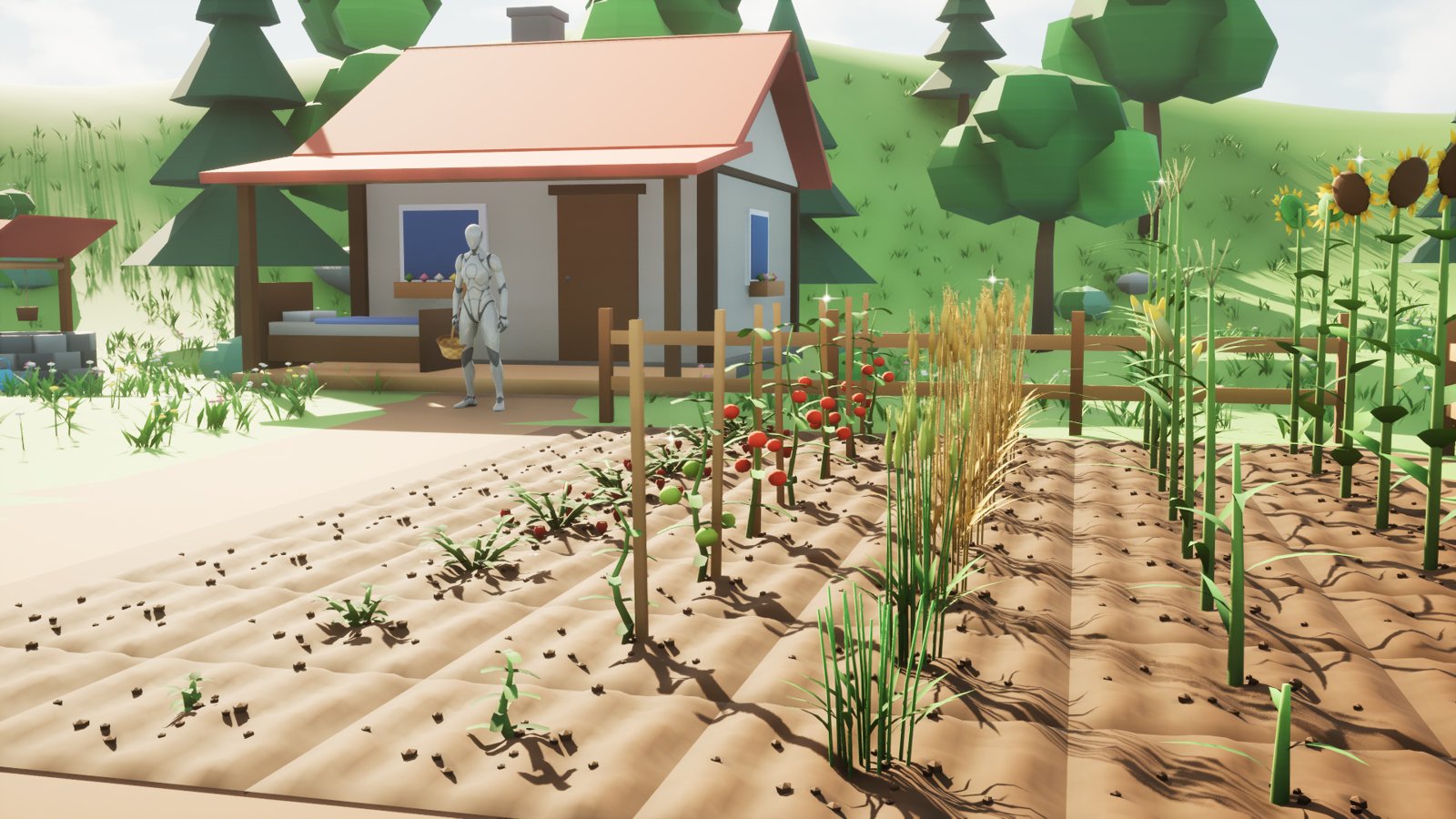
- Fields on any ground. A Farm Area box turns the ground under it into a grid of tiles, on a landscape, a static mesh or a slope. Players till, plant, water, fertilize and harvest them with six tools, and a tile’s soil darkens when it’s watered.
- Crops are data assets. Seasons, stages with a mesh and a number of watered days each, regrowth after harvest (a tomato plant gives again), yield and withering. Ten crops ship ready to use, from a three-day turnip to an eleven-day pumpkin.
- A calendar with four seasons. Hours, days, seasons and years, and rain that waters every field. It runs on its own, or follows your game’s day and night cycle.
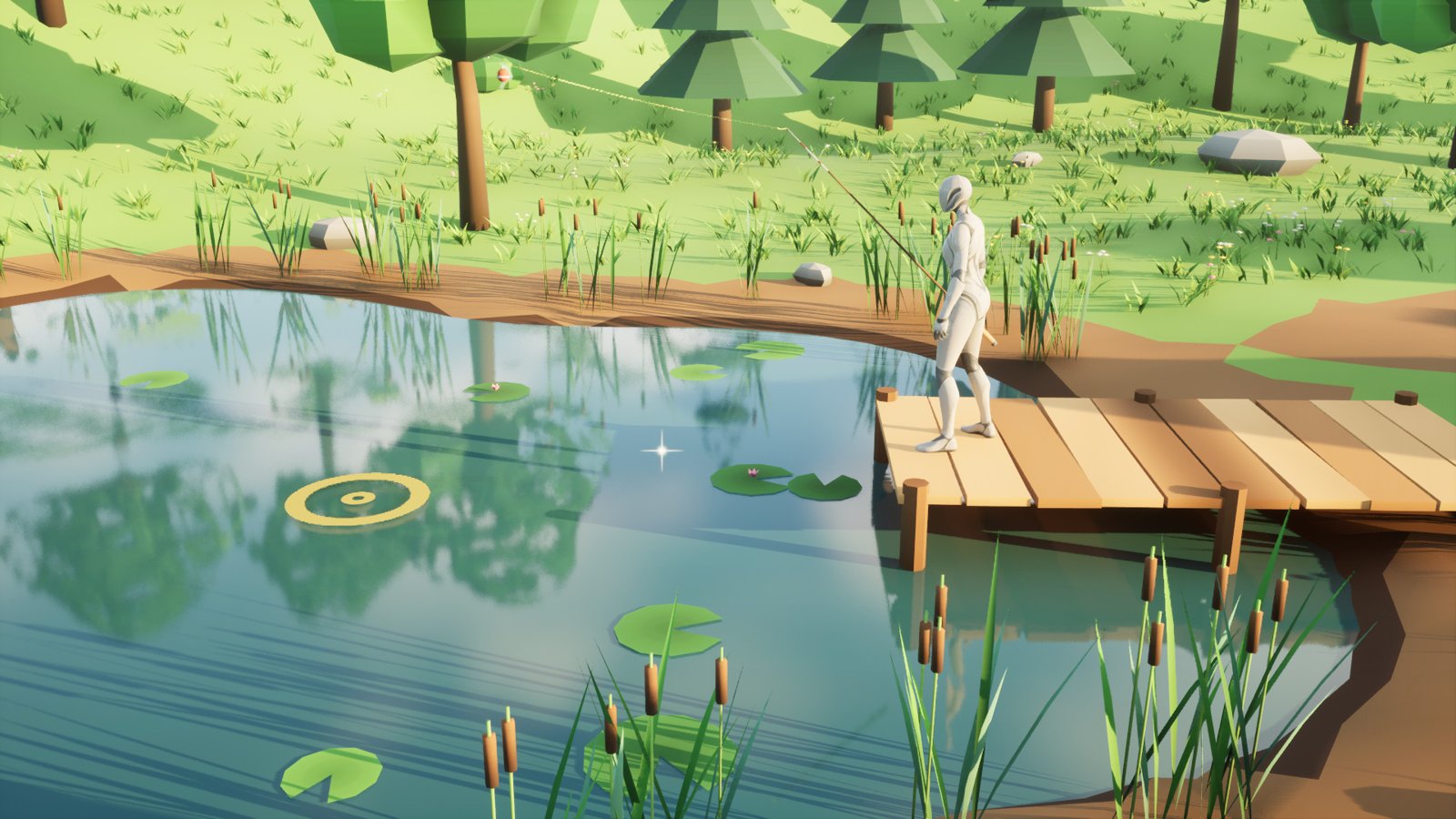
- Fishing. A Fishing Water box marks where fish are. Hold to charge a cast, wait for the bite, hook it and play the fish on a tension bar. Which fish bite depends on the season, the hour and the weather. Ten fish and two fish tables ship.
- Your inventory, your HUD. Harvests and catches go to your own inventory through one interface, or through events. A ready-made HUD shows the date, the tools and the targeted tile, and can be restyled in a Widget Blueprint or replaced.
- A glint on what can be used. A small sparkle on each patch of a crop ready to harvest, over fishing water, on anything else you give one, and off in one setting.
- Multiplayer and save. The server owns the fields, the calendar and the fishing, and every player sees them. One node captures the whole farm into your save game; one puts it back.
What’s in the zip
| Folder | What it holds |
|---|---|
Source/FarmingFishing |
The plugin: the calendar, fields, crops, tools, fishing, inventory interface, HUD, save, replication and the debugging tools. |
Content/Data |
Ten sample crops (Crops), ten sample fish and two fish tables (Fish). |
Content/Meshes |
Each sample crop’s stages and withered look, the fish, the tools, rod and bobber, the soil tile and highlight, the cast marker, and ten props: a bed, a dock, a fence, a well, a shipping bin, two trees and three rocks. |
Content/Glint |
The glint’s material, M_FFGlint. |
Content/Materials, Content/Textures |
One stylized atlas the meshes share, the soil’s, the highlight’s, the fishing line’s and its ripples’ materials. |
Content/Demo, Source/FarmingFishingDemo |
The demo farm, L_Farm, with its meshes, and its code: the player, HUD and day and night. |
It needs the engine’s Enhanced Input plugin, which every project made from Epic’s templates already uses. It runs on Windows, Mac and Linux, in Blueprint-only and C++ projects.
Play the demo
The pictures on this page come from the demo farm that ships with the plugin. Open Plugins > Farming & Fishing System > Demo > L_Farm and press Play: Play the demo says how to find it and lists its keys. The quickstart then makes a field and a pond in your own map in fifteen minutes.
Where to go next
- Install: from Fab to the plugin enabled in your project.
- Quickstart: a field and a pond in your own map, planted, harvested and fished.
- How-tos: your own crops and fish, the calendar and your day and night, your inventory, glints, save, multiplayer, tools, input and HUD of your own.
- Concepts: how the parts fit together, what a day does, who runs what.
- Crops and fish: the samples’ seasons, growth times, hours and sizes.
- Reference: every Blueprint node, setting, asset field and console command.
- Troubleshooting: when something doesn’t happen as it should.
Questions and bug reports are welcome in the listing’s comments on Fab, or by email to spyridwn.pd@gmail.com.